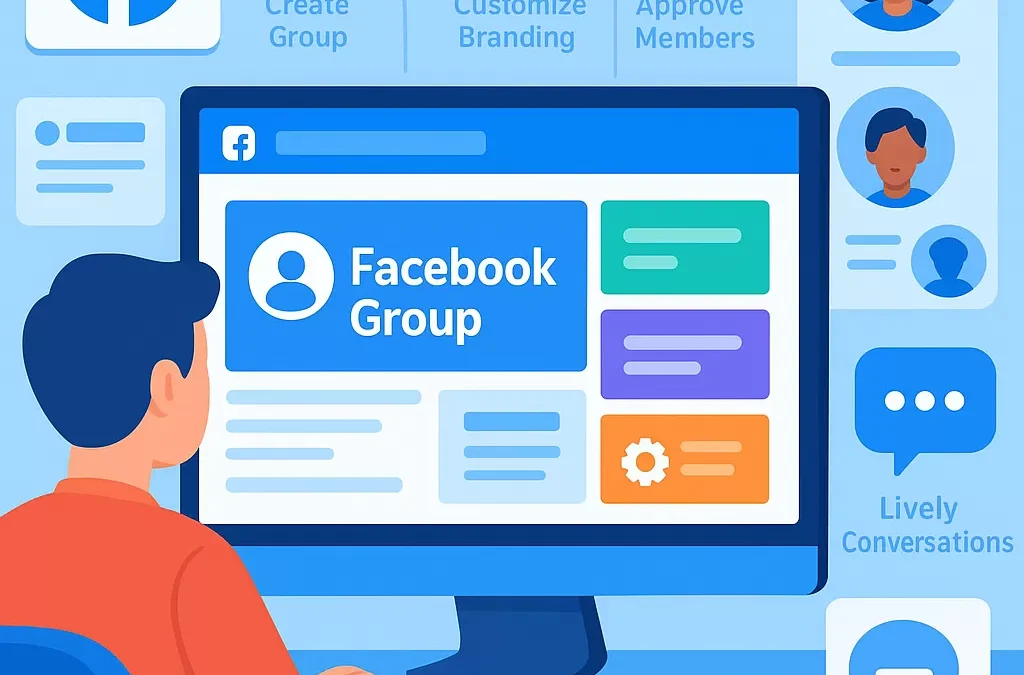
How do you create and set up a successful Facebook group from scratch?
To create and set up a successful Facebook group from scratch, start by clearly defining your group’s purpose and audience, then use Facebook’s group creation tools to set up your group, configure its privacy settings, and personalize its details. Once created, focus on engaging content, clear rules, active moderation, and consistent community building to ensure long-term success.
—
What are Facebook Groups and Why Start One?
**Facebook Groups** are online communities within Facebook where people connect over shared interests, topics, or goals. Starting a group helps you bring like-minded individuals together, foster engagement, and build a loyal audience—whether for business, hobbies, support, or networking.
> **Definition Box:**
> **Facebook Group:** A feature on Facebook enabling users to create spaces where members can post content, interact, and discuss specific subjects in a controlled environment.
—
What Steps Should You Follow to Create a Facebook Group From Scratch?
Here’s a step-by-step guide to help you launch and grow a thriving group:
1. Define Your Group’s Purpose and Audience
– What is the main goal of your group? (e.g., support, hobbies, education, networking)
– Who should join? (Target demographics, interests, needs)
– Clarifying these points attracts the right members and sets your group’s tone.
2. Create the Group on Facebook
**To create a new Facebook Group:**
1. **Go to Facebook’s homepage**.
2. In the left-hand menu, click on **Groups**.
3. Click **Create New Group**.
4. Enter your group’s name, privacy, and visibility options:
– **Public:** Anyone can find and join
– **Private:** Only members see posts
– **Hidden:** Not visible in searches (optional)
5. Add some initial members (you must invite at least one).
6. Click **Create**.
> **Table: Facebook Group Privacy Options**
| Privacy | Who Can Find? | Who Can See Posts? | Use Case |
|————–|————–|——————-|—————————————–|
| Public | Anyone | Anyone | Open communities, public discussions |
| Private | Anyone | Members Only | Focused, safe spaces, exclusive groups |
| Hidden | Invite Only | Members Only | Secret, invite-only communities |
—
How Do You Personalize and Set Up Your Group Details?
1. Upload Group Cover Photo and Description
– Choose a relevant, eye-catching cover photo (1200×628 px recommended).
– Write a concise and welcoming group description outlining:
– Purpose
– Who should join
– What members will gain
2. Set Group Rules and Guidelines
Establish clear group rules to ensure a positive and safe environment. Examples:
– No spam or self-promotion
– Respectful communication only
– Stay on topic
These can be set up under the **Group Rules** section in your group settings.
3. Customize Group Settings
– Turn on features like **post approval**, **member requests**, and **moderation tools**.
– Create **membership questions** to screen new members (if needed).
– Choose a group type (e.g., Buy and Sell, Social Learning, Gaming) based on your focus.
– Set up linked Pages or Events if related, helping connect your group to other Facebook entities.
—
What’s the Best Way to Launch and Grow Your Facebook Group?
1. Welcome New Members
– Post a welcome message
– Tag new members
– Encourage introductions
2. Share High-Value Content Consistently
– Post relevant articles, videos, polls, or discussions
– Focus on content that adds value and sparks engagement
3. Enable Notifications and Foster Interaction
– Encourage members to turn on notifications for group updates
– Respond promptly to comments and questions
4. Moderate and Enforce Group Rules
– Use Facebook’s Admin Tools to:
– Remove spam or rule-breaking posts
– Resolve member disputes
– Maintain a positive community environment
5. Promote Your Group and Invite Members
– Share your group link on your Facebook Page, profile, email newsletter, or website
– Collaborate with influencers or relevant Pages to extend your reach
> **Pro Tip:**
> The more engaged your group, the more Facebook will recommend it to potential members (leveraging Facebook’s suggestions algorithm).
—
How Can You Optimize Your Group for Success?
Optimize Group Name and Keywords
– Use clear, searchable keywords in your group name and description
– Mention the main topic or audience (e.g., “NYC Vegan Foodies”, “Freelance Writers Hub”)
Leverage Featured Posts and Events
– Pin important announcements as “Featured”
– Host regular events or live sessions to boost engagement
Analyze Group Insights
– Use **Facebook Group Insights** (available for groups over 50 members) to track:
– Member growth
– Engagement rates
– Top posts and times
—
What Are Common Challenges and How Should You Handle Them?
Common Challenges:
– **Low engagement**
– **Spam and rule violations**
– **Member disputes**
Solutions:
– Regularly run polls and ask open-ended questions
– Use post approval and proactive moderation
– Mediate conflicts fairly and refer to your established rules
—
Examples of Related Facebook Group Entities
– **Facebook Pages:** Business or brand pages—not communities but often used to promote groups.
– **Facebook Events:** Used alongside groups to organize meetups or online discussions.
– **Facebook Insights:** Analytics tool for group growth and activity.
– **Group Moderators/Admins:** Members with permission to manage the group.
—
Semantically Related Questions Answered
How do I build an engaged community on Facebook?
Focus on active moderation, consistent high-value content, personal interaction, and fostering a safe, welcoming atmosphere.
What features should I use to manage my Facebook group effectively?
Use post approval, member screening questions, scheduled posts, and Facebook’s Admin Assist tools to streamline management.
How do I invite new members to join my group?
Share the group link on your Page/profile, email newsletters, collaborate with relevant sectors, and utilize Facebook’s invite tools.
—
Comprehensive FAQ on Creating and Managing Facebook Groups
1. Can I change my Facebook group’s privacy settings later?
You can switch from Public to Private, but not always the other way. Large private groups (over 5,000 members) cannot become public for member privacy.
2. How do I prevent spam in my Facebook group?
Enable post approval, review new member requests, set clear rules, and appoint trusted moderators to monitor posts and comments.
3. How do I schedule posts in my Facebook group?
Use the “Schedule” option when posting. Choose your time and date, and Facebook will publish it automatically.
4. What are Facebook Group Insights, and how do they help?
Insights provide analytics on member activity, engagement, and growth—helping you understand what works and optimize accordingly.
5. How big can my Facebook group get?
There is no official limit—Facebook groups can support millions of members. However, effective management becomes more challenging as groups scale.
6. What’s the difference between Facebook Groups and Pages?
Groups foster two-way community interaction and discussion; Pages are broadcasting tools for brands to share updates with followers.
7. Can I link my Facebook Page to my Group?
Yes, you can link your Page to your group for easy promotion and cross-community interaction.
—
Summary Table: Key Steps to Successful Facebook Group Creation
| Step | Task | Why It Matters |
|—————————–|—————————————–|————————————|
| Define Purpose & Audience | Clarify focus and target members | Attracts relevant community |
| Setup Group on Facebook | Name, privacy, initial members | Creates secure, organized space |
| Personalize Details | Cover photo, description, rules | Sets professional, inviting tone |
| Foster Engagement | Content, welcomes, notifications | Builds loyalty, activity |
| Moderate & Analyze | Enforce rules, use Insights | Maintains quality and growth |
—
Final Thoughts: How Do You Ensure Long-Term Group Success?
A successful Facebook group starts with a clear mission, continues with consistent leadership, and grows by adapting to member needs. Stay active, listen to your audience, and use Facebook’s administrative tools to nurture a vibrant, engaged community.
—
“`
Leave a Reply