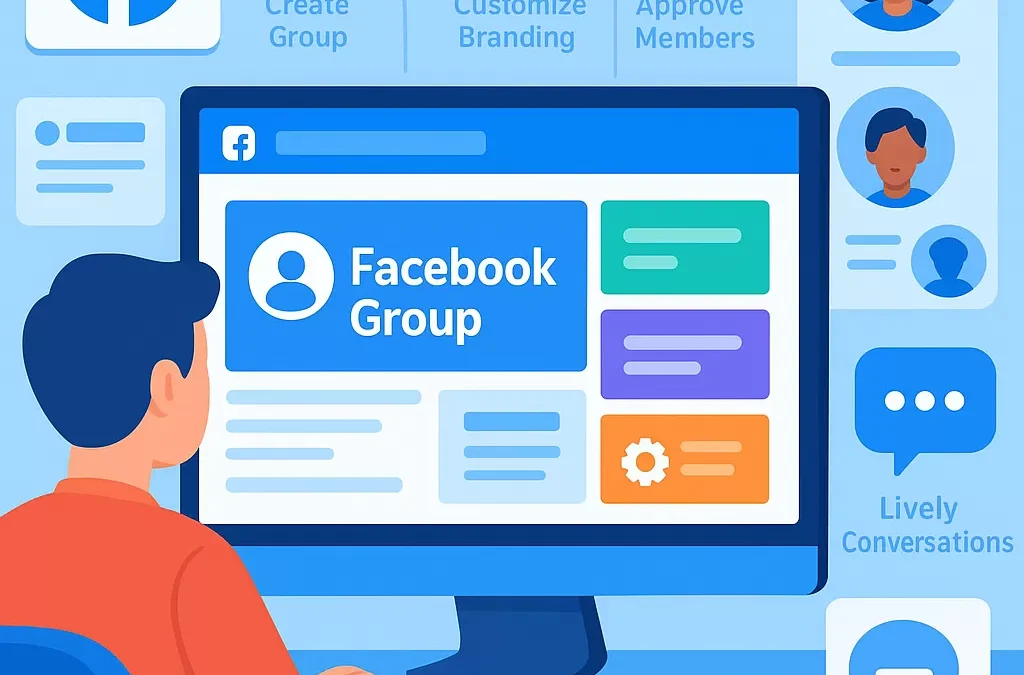
How Do You Create and Set Up a Successful Facebook Group from Scratch?
To create and set up a successful Facebook group from scratch, start by defining your group’s purpose, audience, and rules before using Facebook’s group creation tools to launch and customize your community. Success comes from ongoing engagement, clear guidelines, onboarding new members, and regular moderation.
—
What Is a Facebook Group and Why Create One?
> **Definition Box: Facebook Group**
> A Facebook group is an online community space hosted on Facebook where people with shared interests, goals, or identities connect, collaborate, and share content.
Creating a Facebook group allows you to foster a sense of belonging, engage with an audience, support your brand, and build valuable networks. Groups offer tools like announcements, polls, scheduled posts, and analytics to nurture engagement.
—
What Are the Steps to Create a Facebook Group from Scratch?
Let’s break down the entire process:
1. Identify Your Group’s Focus and Audience
Ask yourself:
– *What topic or interest will the group center around?*
– *Who do I want to join?* (e.g., entrepreneurs, hobbyists, local communities)
2. Prepare Group Guidelines and Goals
– Draft clear rules to set expectations for member behavior and content.
– Define the group’s goals: education, support, networking, or promotion.
3. Create Your Facebook Group
Step-by-Step Table: Creating a Facebook Group
| Step | Instructions |
|——————–|———————————————————————————————-|
| 1. Log In | Sign into Facebook via web or app. |
| 2. Navigate | On desktop: Click “Groups” in the left menu; On mobile, tap the menu icon and select “Groups.”|
| 3. Create Group | Click “Create New Group.” |
| 4. Name Group | Enter a memorable, descriptive group name. |
| 5. Choose Privacy | Select privacy: Public (visible to everyone) or Private (visible only to members). |
| 6. Add Members | Start by inviting friends who would benefit or contribute. |
| 7. Personalize | Upload a group cover image and write a compelling description. |
| 8. Set Rules | Add group rules clearly under “Group Rules.” |
| 9. Finish | Click “Create” to launch your group. |
—
How to Set Up Your Facebook Group for Success
What Customizations Should You Make?
– **Cover Photo**: Use a relevant image that represents your group’s purpose.
– **Description**: Clearly explain what the group is about and who it’s for.
– **Tags & Location**: Add relevant tags or location to help potential members find your group.
What Are the Key Settings to Configure?
– **Membership Approval**: Decide if admins approve new members or allow anyone to join.
– **Post Permissions**: Set whether all members or only admins can post and approve content.
– **Group Type**: Choose the type (General, Buy and Sell, Support, etc.) for added features.
– **Link Related Pages/Groups**: Connect your group to your Facebook Page for cross-promotion.
—
How Do You Attract and Grow Your Facebook Group?
Actionable Steps for Group Growth
1. **Invite Initial Members:** Ask friends, colleagues, and relevant contacts to join.
2. **Promote Externally:** Share the group link on your website, newsletter, Twitter, Instagram, LinkedIn, and email signature.
3. **Collaborate with Influencers:** Partner with entities or individuals in your niche to recommend your group.
4. **Engage in Similar Groups:** Network and provide value in related Facebook groups, then invite people (without spamming) to yours.
5. **Optimize Group SEO:** Use keywords in your group name, description, and posts to improve discoverability.
—
How to Engage and Moderate a Facebook Group Effectively?
Tips for Increasing Engagement
– **Welcome New Members:** Use welcome posts and tags to greet newcomers and explain group norms.
– **Start Conversations:** Post polls, questions, and engaging content regularly.
– **Pin Important Posts:** Highlight rules, announcements, or featured discussions.
– **Schedule Content:** Utilize Facebook’s scheduled posts feature for consistency.
– **Host Events:** Organize live sessions, webinars, or challenges.
Best Practices for Moderation
– **Enforce Rules:** Remove spam and inappropriate content quickly.
– **Appoint Moderators:** Share responsibilities with co-admins or trusted members.
– **Address Conflicts Politely:** Handle disputes calmly and transparently.
—
What Are Common Challenges and How to Overcome Them?
| Challenge | Solution |
|—————————-|——————————————————————————————|
| Low Engagement | Post conversation starters, polls, and encourage introductions. |
| Spam and Rule Violations | Set up post-approval, enforce rules, and use membership questions to filter applicants. |
| Member Attrition | Keep content frequent and valuable, reward participation, and solicit feedback. |
| Slow Growth | Promote in related communities, ask for shares, collaborate with partners. |
—
How Can You Track and Optimize Group Success?
– **Facebook Insights:** Access group analytics to monitor growth, active members, and top posts.
– **Collect Feedback:** Ask members what content or features they value most.
– **Adjust Strategies:** Adapt your content, rules, and promotion based on insights and member needs.
—
How Do You Set Up a Facebook Group on Mobile?
*Is it possible to start a Facebook group on your phone?* Yes!
1. Open the Facebook app.
2. Tap the three-lines (menu), select “Groups”, then “Create”.
3. Follow the same steps as on desktop for name, privacy, and customization.
—
Facebook Group Creation Checklist
> **Quick-Start Checklist**
> – ☐ Define group purpose and audience
> – ☐ Draft group rules and description
> – ☐ Choose privacy settings
> – ☐ Create group on Facebook
> – ☐ Upload cover photo
> – ☐ Add initial members
> – ☐ Promote group externally
> – ☐ Schedule and pin key posts
> – ☐ Monitor and moderate activity
—
FAQ: Creating and Managing Successful Facebook Groups
1. What makes a Facebook group successful?
A successful Facebook group has a clear niche, active and engaged members, consistent moderation, and valuable content. Strong guidelines and welcoming culture are key entities.
2. Should my group be public or private?
Choose private for privacy and safer conversations, or public for maximum discoverability. Private groups are generally preferred for community building.
3. How do I find the right name for my group?
Use descriptive, keyword-rich names that reflect the group’s topic and audience. Include relevant industry or interest terms.
4. Can I change my group settings later?
Yes, most settings including name, rules, and cover photo can be updated. Privacy type (public/private) can only be changed under certain conditions.
5. How do I prevent spam and maintain group quality?
Screen new members with questions, set up post approvals, and enforce rules. Active moderation and trustworthy admins are critical (related entity: Community Moderation).
6. What content should I post to keep members engaged?
Mix discussion questions, industry news, how-to tips, events, and member spotlights. Rotate content formats to sustain engagement.
7. How can I monetize a Facebook group?
Monetization options include promoting your products, hosting paid webinars/events, affiliate marketing, and collaborating with sponsors.
—
Final Thoughts: How to Build a Lasting Facebook Group Community
Launching and nurturing a Facebook group requires clear vision, active onboarding, and consistent engagement. Focus on delivering value, setting transparent rules, and adapting to your members’ evolving needs. By linking your group’s goals to meaningful interactions and leveraging Facebook’s tools, you can grow a thriving online community from scratch.
—
“`
Leave a Reply