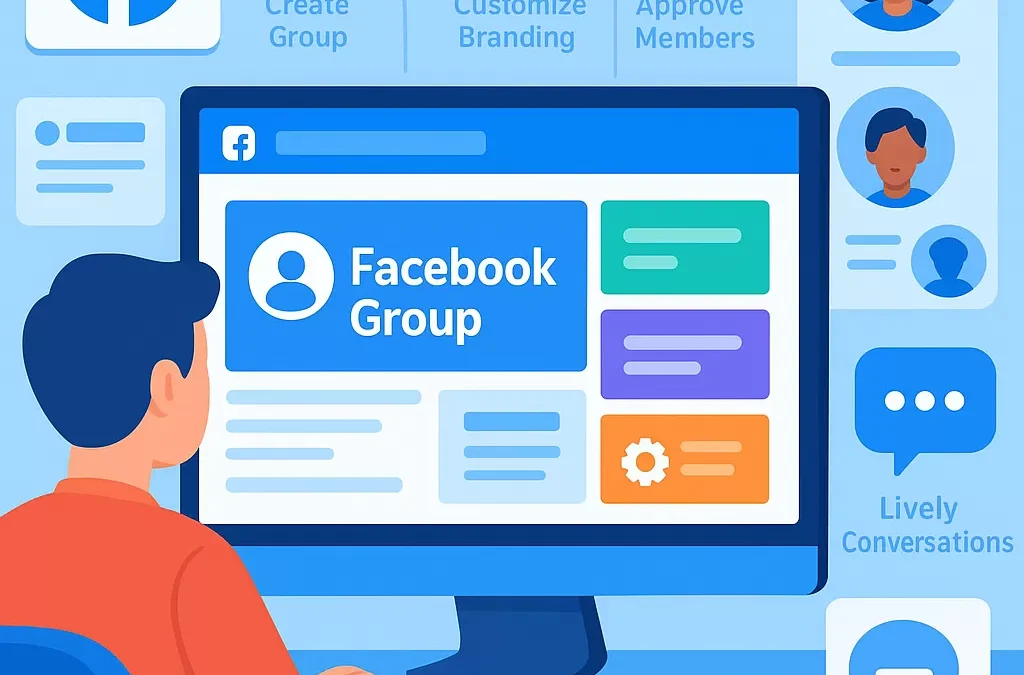
How do you create and set up a successful Facebook group from scratch?
To create and set up a successful Facebook group from scratch, start by defining your group’s purpose, select the right settings and visibility, invite core members, and foster ongoing engagement through valuable content and active moderation. Building a thriving Facebook group involves strategic planning, community guidelines, and continuous interaction.
—
What is a Facebook Group and Why Start One?
A **Facebook group** is an online community space within Facebook where people gather to share content, discuss topics, and build connections around a shared interest, goal, or brand. Unlike Facebook Pages, which represent businesses or public figures, groups are focused on interactive discussions and member-driven content.
**Facebook Group Definition:**
| Entity | Description |
|——————|—————————————————————–|
| Facebook Group | A closed-knit online space within Facebook for community building, discussion, and information exchange. |
| Admin | The creator or appointed manager(s) who oversee group settings, moderation, and growth. |
| Members | Users who join the group to participate, learn, and engage on shared topics. |
—
How Do You Start a Facebook Group Step-by-Step?
Creating a Facebook group is easy, but making it successful involves intentional choices and actions. Here’s a step-by-step guide:
1. What’s the Purpose of Your Facebook Group?
Before you click “Create”, consider:
– **What value will this community provide?**
– **Who is your target audience?**
– **What topics will be discussed?**
Example:
– Local business networking
– Parental support or interest-based clubs
– Brand ambassador programs
2. How Do You Create a New Facebook Group?
To create a Facebook group:
1. Go to your Facebook homepage.
2. Click on the **Groups** tab in the left menu.
3. Click **Create new group**.
4. Enter your group name — make it clear and keyword-rich to help people find you.
5. Choose **privacy** (Public or Private) and **visibility** (Visible or Hidden).
6. Add a description that explains the group’s purpose.
7. Upload a compelling cover photo that represents your community’s vibe.
8. Invite your first members — ideally, people who will interact and set the tone.
> **Quick Tip:** Group names and descriptions are important for Facebook’s search and recommendation algorithms.
—
What Types of Facebook Groups Can You Create?
Facebook lets you choose between several group privacy levels and types:
| Group Type | Privacy Level | Best For |
|——————|—————-|———————————————-|
| Public | Anyone can see posts and members | Broad, open communities and causes |
| Private: Visible | Only members see posts, group listed in search | Interest-based, semi-private discussions |
| Private: Hidden | Only invited people can find and see the group | Exclusive activities, sensitive topics |
**Semantic Relationship:** Choosing the right group type impacts your discoverability and the trustworthiness of the community.
—
How Do You Set Up Group Rules and Guidelines?
Why Set Rules?
Group rules encourage positive, productive interactions and protect members from spam or abuse.
How to Add Rules:
1. In your group, click **Admin Tools**.
2. Scroll down to **Group Rules** or **Manage Rules**.
3. Click **Create Rule**.
4. Clearly define acceptable and unacceptable behavior.
**Sample Group Rules:**
– Be respectful and civil.
– No self-promotion or spam.
– Stay on topic.
– Report issues to admins.
—
How Do You Invite and Grow Your Facebook Group?
Success depends on the quality and engagement of your members.
How To Invite Members:
– Share the group link in email newsletters, on your website, or other social media.
– Directly invite friends or people who would value the group.
– Ask core members to invite their networks.
How To Grow Faster:
1. Post valuable and engaging content (tips, questions, guides).
2. Welcome new members with a pinned post.
3. Encourage discussions with polls and events.
4. Collaborate with sister or partner groups.
| Growth Strategy | Description |
|——————–|————————————————-|
| Valuable Content | Share relevant articles, tips, and discussions. |
| Member Involvement | Highlight active members, feature their posts. |
| Cross-Promotion | Partner with related groups, pages, or profiles.|
—
How Can You Increase Engagement in a Facebook Group?
Keeping your group active is key. Here’s how:
Engagement Best Practices:
– Host live Q&As or events.
– Create weekly themed posts (e.g., “Motivation Monday”).
– Ask open-ended questions to spark conversation.
– Use Facebook’s built-in features: polls, events, and rooms.
– Moderate discussions, remove spam, and recognize helpful members.
| Engagement Tool | Benefit |
|———————-|——————————-|
| Facebook Polls | Quick feedback and interaction|
| Events | Schedule meetups, webinars |
| Announcements | Pin important information |
| Badges | Recognize member contributions|
—
How Do You Manage and Moderate a Facebook Group Successfully?
Key Moderation Tips:
– Review membership requests and posts regularly.
– Use Facebook’s admin tools to set up post-approval, keyword moderation, and member violations.
– Appoint additional moderators as the group grows.
– Regularly update group guidelines.
– Use analytics to track group growth and activity.
**Entities:** Admin, Moderator, Member, Blocked User.
—
How Do You Make a Facebook Group Stand Out?
To stand out:
– Offer exclusive content, insights, or resources.
– Maintain a consistent group identity (branding, posts, values).
– Foster connections among members.
– Use group insights (analytics) to optimize content and engagement.
**Connection to Related Topics:** Community building, social media management, content curation.
—
What are Common Mistakes to Avoid When Creating a Facebook Group?
Avoid these pitfalls:
– Lack of clear purpose or focus.
– Neglecting active moderation.
– Allowing spam or off-topic posts.
– Ignoring member feedback or questions.
– Failing to post regularly.
—
Is It Better to Have a Public or Private Facebook Group?
**Public groups** are more discoverable and grow quickly, but private groups offer more intimacy and safety for discussions. Consider your goals and audience privacy preferences.
—
Facebook Group Creation & Success Table
| Step | Action | Tips |
|———————–|————————————————–|——————————————-|
| Define purpose | Establish clear group objectives | Align with audience interests |
| Create group | Set up name, privacy, description | Use relevant keywords and branding |
| Add rules | Develop community guidelines | Make them clear and visible |
| Invite members | Start with engaged people | Leverage personal and professional networks|
| Post content | Share useful and interactive posts | Use multimedia for higher engagement |
| Moderate | Ensure a safe, welcoming environment | Regularly review posts and comments |
| Analyze & adapt | Use group insights for strategy | Adjust based on engagement and feedback |
—
How Long Does It Take to Build a Successful Facebook Group?
Results vary. Smaller, niche groups might thrive within weeks, while broader groups can take months to reach active, self-sustaining engagement.
—
FAQ: Common Questions About Creating and Growing Facebook Groups
1. What is the ideal group size for engagement?
Groups with 100-1,000 members often have high engagement, but the best size depends on your purpose and how actively you nurture discussions.
2. Can I change group privacy settings later?
Yes, but Facebook limits changing from Private to Public for member privacy reasons. Consider your long-term preference at launch.
3. How do I monetize my Facebook group?
Monetize through affiliate links, premium content, exclusive offers, or by connecting the group with your products and services (while complying with Facebook’s guidelines).
4. What are Facebook group insights?
Group insights are analytics tools for admins, showing data about member growth, activity, engagement, and popular posts.
5. Can I automate moderation in my group?
Yes, use Facebook’s Admin Assist to set up keyword filters, approve posts, and automate response to rule violations.
6. How do I keep my group active if engagement drops?
Try new content formats, ask for member feedback, collaborate with influencers, or host live events to revive discussion.
7. Should I create a Facebook Page or a Group for my brand?
Use a Facebook **Page** for broadcasting and a **Group** for building community engagement and deeper discussions.
—
In Summary: The Keys to a Successful Facebook Group
– **Start with clear goals and community guidelines.**
– **Choose the right privacy setting for your audience.**
– **Grow organically with quality, engaging content.**
– **Foster connections and keep moderation active.**
– **Continuously analyze and improve group performance using Facebook’s tools.**
**Related terms:** Community management, social media strategy, online engagement, digital moderation, Facebook marketing.
A well-set-up Facebook group becomes a thriving hub for community, learning, support, and brand loyalty—when built and managed intentionally.
“`
Leave a Reply