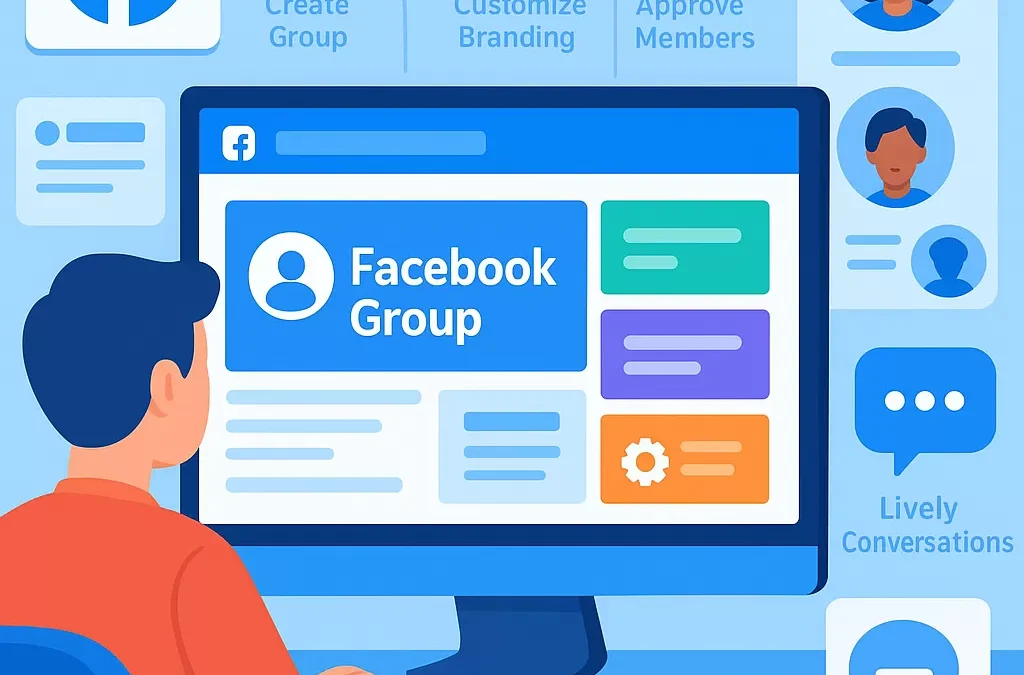
How do you create and set up a successful Facebook group from scratch?
Creating and setting up a successful Facebook group from scratch involves choosing a clear purpose, configuring settings for your target audience, and actively engaging members from the start. Anyone can create a Facebook group by following step-by-step instructions in Facebook’s interface, but ongoing management, community guidelines, and targeted growth are crucial for lasting group success.
—
What does it mean to create a successful Facebook group?
A *successful Facebook group* is an online community on Facebook where members actively participate, add value, and engage with each other around a shared interest, cause, or goal. Success is measured by active engagement, member growth, quality of discussions, and the group’s alignment with its intended purpose.
—
Step-by-Step: How to Create a Facebook Group from Scratch?
What are the basic steps to start a Facebook group?
**To create a Facebook group:**
1. Log into your Facebook account on desktop or mobile.
2. Click the “Groups” tab in the left menu or menu tray.
3. Select “Create new group”.
4. Enter your group name (reflect your niche or topic).
5. Choose privacy (public or private).
6. Add people to invite (optional at the start).
7. Click “Create”.
Definition Table: Key Group Setup Choices
| Step | Description | Tips |
|——————|————————————————————————–|——————————————-|
| Group Name | Title that clearly defines the group’s focus | Use keywords people search for |
| Privacy Setting | Public or Private (who can see content and who can join) | Private recommended for focused groups |
| Invite Members | Add Facebook friends or contacts | Don’t over-invite, focus on quality |
| Cover Image | Banner image that sets the group’s visual identity | Use relevant, high-quality imagery |
| Description | Intro text explaining the group’s rules, topics, and value | Be clear, concise, and welcoming |
| Rules | Written guidelines for behavior and content | Pin them in Announcements/Group Rules |
—
How do I customize the group for engagement and early success?
What initial settings encourage engagement?
After creation, these steps set you up for a thriving group:
– **Write a compelling group description**: Clearly explain who your group is for, what you discuss, and ground rules.
– **Design a memorable cover photo**: Choose artwork that aligns with your topic.
– **Set up group rules**: Use Facebook’s built-in rules feature to highlight dos and don’ts.
– **Create a welcome post**: Pin an introduction post to greet new members and orient them.
– **Enable membership questions**: Screen new members to ensure quality participation.
– **Adjust approval settings**: Decide if posts require admin/mod approval or are published instantly.
What features and entities should I integrate?
– **Link your group to a Facebook Page** (if you have one) for branding and cross-promotion.
– **Set up topics**: Use post tags or topics to organize discussions and content.
– **Activate group insights**: Monitor member growth, engagement stats, and popular posts.
– **Invite core members**: Engage a trusted inner circle early on to seed conversation.
—
How do you manage and grow your Facebook group community?
What are best practices for group growth and moderation?
**1. Set clear expectations:**
Outline in your description and rules what members can expect and how they should behave.
**2. Post consistently:**
Share relevant, valuable content and encourage interactive posts (questions, polls, AMAs).
**3. Engage your members:**
Like, reply to, and spotlight interesting conversations. Use Facebook features like polls, events, and live videos.
**4. Moderate firmly but fairly:**
Remove spam, enforce rules, and have a plan for handling disputes or problematic users.
**5. Welcome and onboard:**
Tag and welcome new members, or use Facebook’s “Welcome New Members” automated feature.
How to promote and sustain a Facebook group long-term?
– **Share group link externally:** Promote via email, newsletters, your website, or other social media platforms.
– **Collaborate with influencers or experts** in your niche to guest post or moderate.
– **Celebrate milestones:** Recognize member achievements or group anniversaries to foster community pride.
– **Solicit feedback:** Regularly ask members for input on group improvements and topics.
—
Comparison Table: Facebook Group vs. Facebook Page
| Feature | Facebook Group | Facebook Page |
|——————–|—————————–|———————————–|
| Purpose | Community, discussion | Brand presence, official posts |
| Engagement | Member-driven, interactive | Admin-driven, one-way communication|
| Privacy | Can be private or secret | Always public |
| Content visibility | Members only (private/secret)| Publicly visible |
| Moderation tools | Advanced, granular control | Limited |
—
Related Concepts: Entities and Best Practices
– **Entity: Facebook Group Admin** – the administrator manages settings, moderates content, and nurtures community culture.
– **Entity: Facebook Group Moderator** – appointed members who assist in managing and moderating the group.
– **Concept: Community Guidelines** – written standards for member behavior and acceptable content.
– **Related Topic: Social Media Engagement** – techniques to foster two-way interaction and user participation.
– **Context: Online Community Building** – creating participatory spaces for people with shared interests.
—
Common Question Variations
How do I make a Facebook group and get people to join?
You set up a group with a clear name and purpose, customize the settings, and share the invite link where your target audience hangs out online.
What steps should I take to manage a successful Facebook group?
Set expectations, post regularly, moderate discussions, welcome new members, and use analytics to guide improvements.
How can I build an active Facebook group community from zero?
Begin with a core group of engaged members, initiate conversations, encourage participation, and promote your group through various online channels.
Is it better to make my Facebook group public or private?
Private groups offer more control and privacy, fostering trust and exclusivity, while public groups can grow faster but are harder to moderate.
—
FAQs: Creating and Running a Facebook Group
1. What is the minimum number of people needed to create a Facebook group?
You can start a Facebook group with just yourself, but inviting at least a few engaged friends or colleagues right away is ideal for momentum.
2. What features help keep my Facebook group safe from spam?
Enable post-approval, use membership questions, appoint trusted moderators, and establish clear rules with zero-tolerance for spammy behavior.
3. Can I change my Facebook group privacy after creation?
You can switch a public group to private, but not the other way around once the group reaches a certain member count, for privacy reasons.
4. How often should I post to keep members engaged?
Aim to post several times per week—mix up content types like questions, tutorials, polls, and group announcements.
5. What are effective ways to grow my Facebook group quickly?
Leverage your network, promote in relevant online communities, collaborate with influencers, and offer exclusive content as an incentive.
6. Why do group rules matter, and what should they cover?
Rules set expectations, reduce conflict, and keep the group focused. They should cover topics like respect, self-promotion, and posting etiquette.
7. How do I measure the success of my Facebook group?
Track growth, engagement rates (likes, comments, posts), member quality, and how well discussions align with your group’s stated purpose.
—
Summary: Key Takeaways for a Successful Facebook Group
– Start with a clear value proposition.
– Customize settings for privacy, safety, and engagement.
– Seed your group with trusted, committed members.
– Publish valuable, interactive content.
– Moderate fairly and foster a positive culture.
– Promote your group strategically and monitor analytics.
Building a thriving Facebook group is an ongoing process mixing setup, community management, and strategic outreach. With clear intent and consistent effort, your group can evolve into a valuable, active online community.
“`
Leave a Reply